MMCPS runs as a Docker Compose stack. You need Docker installed and an OpenAI API key — that's it.
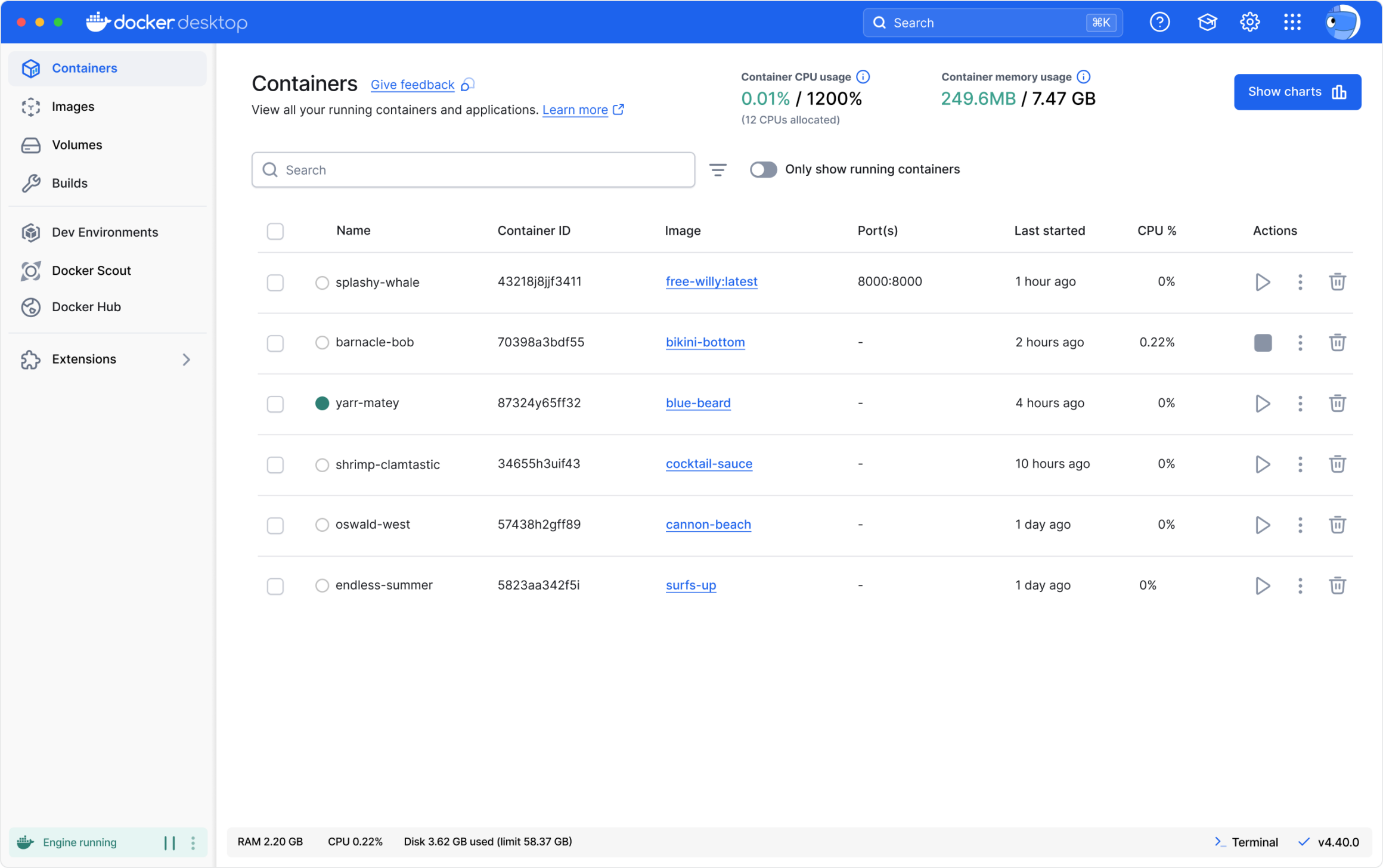
Docker Desktop: The #1 Containerization Tool for Developers
Streamline development with Docker Desktop's powerful container tools. The #1 containerization software for developers and teams.
1. Configure Environment Variables
Copy the example env file and add your API key:
2. Download the NLP Models
Download the model archive from Google Drive and extract it into the project root. Your directory should look like this:
3. Start
docker compose up --build
The first build takes a few minutes. Subsequent starts are fast.
⚠ Mac M1 / Apple Silicon
PaddleOCR can crash on ARM64. Enable Rosetta emulation in Docker Desktop first:
Docker Desktop → Settings → General → "Use Rosetta for x86_64/amd64 emulation on Apple Silicon"
Then start with:
docker compose -f docker-compose.mac-m1.yml up --build
Further Reading
Full developer documentation is in the repository:
- How to Start — package management, rebuild rules, common commands, PR checklist
- Contracts & Decode Flow — the contract format and de-anonymization logic
- Mapping Table Strategy — how entity tokens are generated, stored, and resolved